
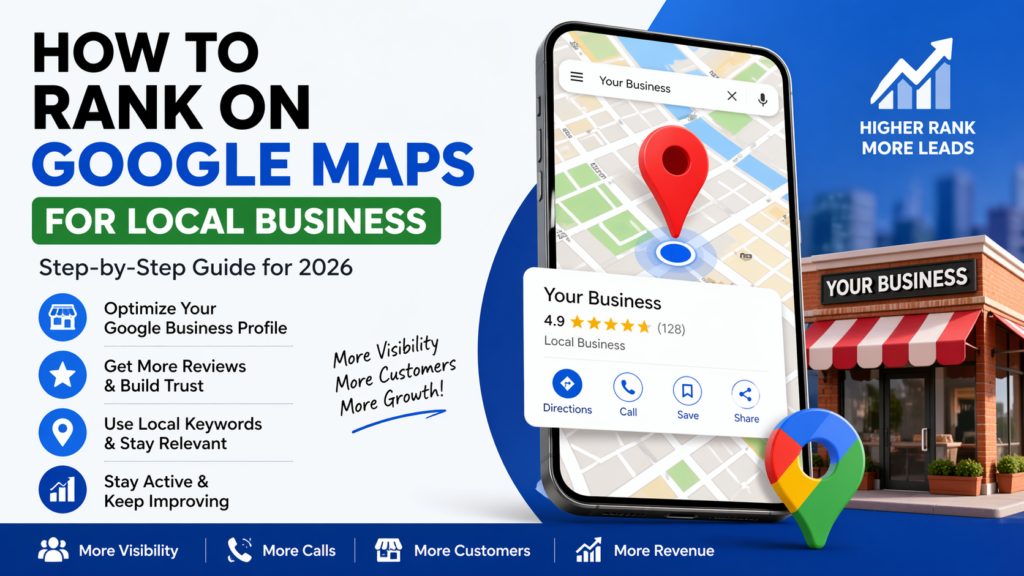

If you’re running a local business today, visibility on Google Maps can directly decide how many customers you get. People don’t search randomly anymore—they go to Google Search, check the top 3 listings, and choose quickly.
That’s why understanding how to rank on Google Maps for local business is critical in 2026.
How to Rank on Google Maps for Local Business
Ranking on Google Maps isn’t about one trick—it’s about doing multiple small things consistently and correctly. From your business profile to customer reviews, everything plays a role in improving your visibility.
Let’s break it down step by step.
Build a Strong Google Business Profile Foundation
Your Google Business Profile is the base of your ranking. If this isn’t optimized, nothing else will work effectively.
Make sure you:
- Add accurate business name, address, and phone number
- Choose the correct category
- Write a clear and keyword-rich description
- Upload real and high-quality images
A complete profile builds trust with both Google and your customers.
👉 Need expert help? Check out digital marketing services for local growth. for How to Rank on Google Maps for Local Business
Use Keywords Naturally (Not Forcefully)
Many businesses make the mistake of stuffing keywords everywhere. That doesn’t work anymore.
Instead, use keywords where they make sense:
- Business description
- Services section
- Google posts
For example, instead of generic text, write:
“We help businesses improve their local visibility and attract more customers through Google Maps SEO.”
This keeps your content natural while still optimized.
Focus on Reviews and Customer Trust
Reviews are one of the strongest ranking signals—and also one of the most ignored.
Encourage happy customers to leave reviews and always respond to them. When your profile has consistent, positive feedback, it builds credibility and improves your chances of ranking higher.
Think of reviews as both SEO and marketing working together.
Keep Your Business Information Consistent Everywhere
Consistency is a hidden ranking factor many businesses overlook.
Your Name, Address, and Phone number (NAP) should be identical across:
- Your website
- Business directories
- Social media profiles
Even small differences can confuse Google and affect your rankings.
Add Photos That Build Confidence
People trust businesses they can see.
Uploading real photos of your store, team, and services increases engagement and makes your listing more attractive. It also signals to Google that your business is active.
Listings with fresh, authentic images often perform better than inactive ones.
Stay Active with Regular Updates
Most businesses create a listing and forget about it. That’s a mistake.
Use Google Posts to share:
- Offers
- Updates
- Announcements
This keeps your profile active and improves your visibility over time.
How to Rank on Google Maps for Local Business Faster with Website SEO
Your website plays a supporting role in your Maps ranking. A well-optimized website strengthens your authority and helps Google trust your business more.
Make sure your site:
- Loads fast
- Is mobile-friendly
- Uses local keywords
- Has location-specific pages
👉 You can speed up results with Google Maps SEO optimization services.
Ranking on Google Maps is not about shortcuts—it’s about consistency and clarity.
When you optimize your profile, use keywords naturally, collect reviews, and stay active, you create a strong local presence that attracts real customers.
Start applying these steps today, and you’ll begin to see your business move up—one position at a time.
These are some methods to How to rank on Google Maps for local business
Learning how to rank on Google Maps for local business is not about shortcuts—it’s about doing the basics consistently and correctly.
When you:
- Optimize your profile
- Use keywords naturally
- Build reviews
- Stay active
You create a strong local presence that attracts real customers.
Start applying these strategies today, and over time, your business won’t just appear on Google Maps—it will stand out.
Related Links
- https://support.google.com/business/answer/7091
- https://developers.google.com/maps
- https://moz.com/learn/seo/local
- https://www.semrush.com/blog/google-maps-ranking/
For More Information click here